
Your Call Data Is Scattered and Your Reps Are Logging Nothing
Most HubSpot sales teams face the same gap: calls happen outside HubSpot, reps forget to log them, and recordings live in a third-party tool nobody opens. Managers have no searchable record of what was actually said, coaching is guesswork, and deals move forward without the context that should be driving them. TwinsAI closes that gap by making every call, its recording, its transcript, and its AI-written summary a first-class citizen on the HubSpot contact and deal record, automatically, with zero manual data entry.
Every Call Lands as a Native HubSpot Engagement, Automatically
When a call ends, TwinsAI writes a native HubSpot Call engagement directly on the contact and deal. The record includes the call disposition, a clickable recording URL, an AI-written summary of what was discussed, and an auto-assigned follow-up Task. Reps never need to open a second tab to log activity. See how this compares to basic call logging. Related: HubSpot AI Call Notes, HubSpot Click to Call
Searchable Transcripts Give Managers Full Coaching Visibility
Because every transcript lives inside HubSpot as structured data, sales managers can search across calls by keyword, topic, or outcome. Spot objection patterns, identify top-performer language, and run targeted coaching sessions grounded in real conversation data, not rep self-reporting. Pair this with AI live coaching insights to give reps in-call feedback as well.

Parallel Dialing Powers the Volume That Makes Transcription Valuable
TwinsAI dials HubSpot Dynamic or Static Lists on up to 32 concurrent lines, with ringless voicemail drop and automatic DNC plus duplicate scrubbing. More conversations per hour means more transcript data, more coaching signal, and more pipeline. Learn more about how parallel dialing works or explore the full AI dialer.
Call Outcomes Trigger HubSpot Workflows and Sequences Automatically
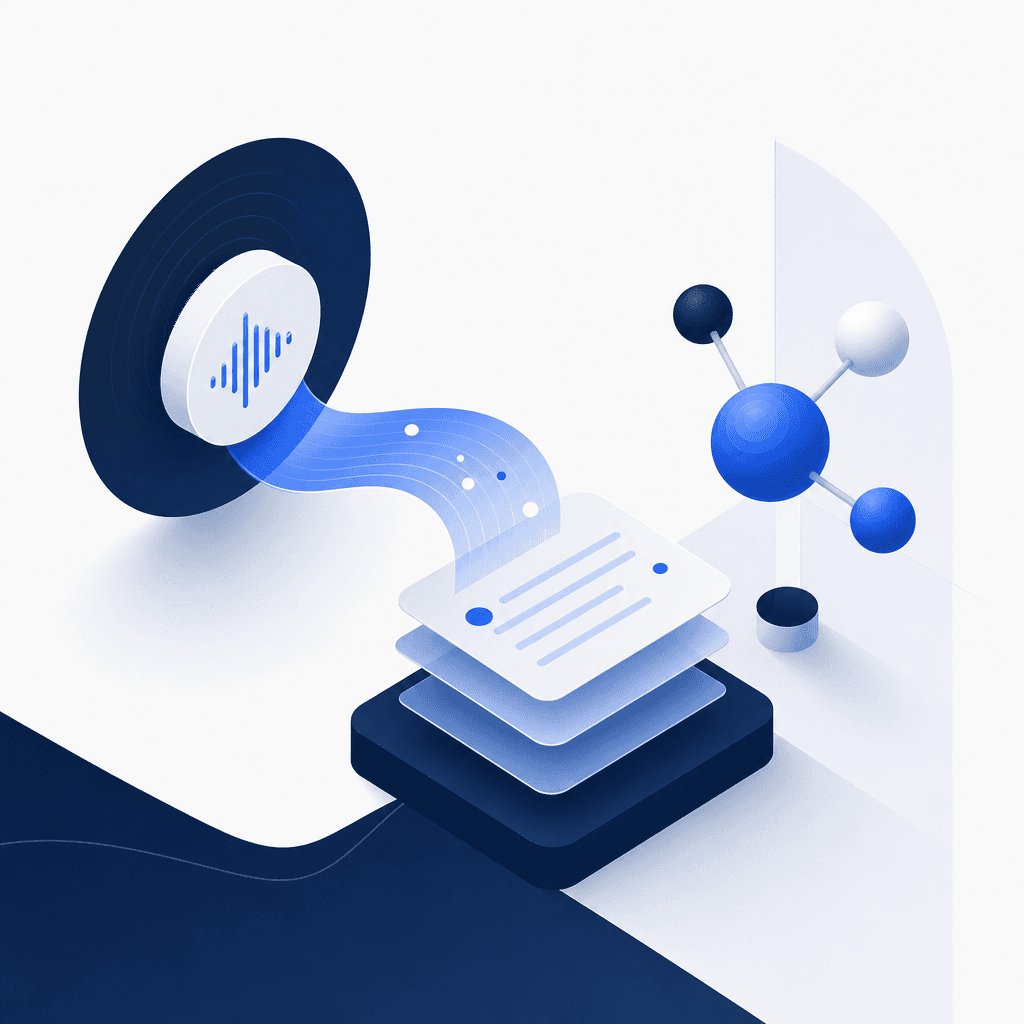
Set any call disposition to fire a HubSpot Workflow or enroll a contact in a Sequence the moment the call ends. Booked a meeting? Trigger an onboarding Sequence. No answer? Enroll in a re-engagement cadence. The recording and transcript are already on the record before the automation fires, so every downstream step has full context. Explore the full HubSpot calling software capabilities.
One-Click Install From the HubSpot App Marketplace, Live in About a Minute
TwinsAI installs via one-click OAuth directly from the HubSpot App Marketplace. No developer work, no IT ticket, no data migration. Contacts, deals, and custom properties sync two ways in real time from the moment you connect. Your team is recording and transcribing calls inside HubSpot the same day they sign up. Get a full overview of the HubSpot integration.
AI Voice Agents Can Handle the Conversation and Book the Meeting
When a contact picks up and your rep is on another line, TwinsAI AI voice agents can hold the conversation, qualify the lead, and book the meeting straight into your pipeline. The full transcript and recording of that AI-led call still land on the HubSpot engagement record, giving your team complete visibility into how every conversation went. Learn about the AI SDR use case.
Frequently asked questions
How do I record and transcribe sales calls directly in HubSpot?+
Install TwinsAI from the HubSpot App Marketplace using one-click OAuth and you are live in about a minute. When any call ends, TwinsAI automatically creates a native HubSpot Call engagement on the contact and deal record containing the recording URL, a full AI-generated transcript, an AI-written summary, the call disposition, and an auto-assigned follow-up Task. No manual logging, no copy-paste, and no third-party dashboard required. The recording and transcript are searchable inside HubSpot immediately after the call.
Where does TwinsAI store call recordings and transcripts in HubSpot?+
TwinsAI stores everything as a native HubSpot Call engagement on the associated contact and deal. The engagement includes a direct recording URL you can play back from the HubSpot timeline, a full searchable transcript, and an AI-written summary. Because it is a native engagement and not an external note, it appears in HubSpot reporting, triggers Workflow conditions, and is visible to anyone with access to that record.
Can call recordings and transcripts trigger HubSpot Workflows or Sequences?+
Yes. Any call disposition set by TwinsAI can immediately trigger a HubSpot Workflow or enroll the contact in a Sequence. For example, a disposition of 'Meeting Booked' can trigger an onboarding Workflow, while 'No Answer' can enroll the contact in a follow-up Sequence. The recording URL and AI summary are already written to the engagement before the automation fires, so every downstream action has full call context attached.
How do searchable transcripts help sales managers coach their teams?+
Searchable transcripts turn every call into structured coaching data. Managers can filter HubSpot activity by keyword or topic across the full call history, identify recurring objections, compare language patterns between top performers and ramping reps, and run targeted call-review sessions with real examples rather than relying on rep self-reporting. Because transcripts live natively in HubSpot, no separate conversation intelligence platform is needed to get this visibility.
Does TwinsAI work with HubSpot Dynamic and Static Lists for outbound dialing?+
Yes. TwinsAI can parallel-dial any HubSpot Dynamic or Static List on up to 32 concurrent lines. Before dialing, it automatically scrubs the list against DNC registries and removes duplicate numbers. Ringless voicemail drop is available for contacts who do not answer. Every answered call is recorded, transcribed, and logged back to the HubSpot record in real time. See a full breakdown of this capability in our HubSpot parallel dialer guide.
Start Recording Every HubSpot Call With Zero Manual Work
TwinsAI installs in about a minute from the HubSpot App Marketplace and immediately begins writing recordings, transcripts, and AI summaries as native HubSpot engagements. Book a demo to see it log a live call to your own HubSpot instance.