

Your reps are losing 15 minutes per call to copy-paste logging, and half those notes are wrong
Every time a HubSpot rep finishes a call today, they switch tabs, type out what they remember, pick a disposition, paste a recording link, and maybe create a follow-up task if they remember. That is dead time after every conversation. Worse, the notes are inconsistent, the dispositions are guesswork, and deals move forward with incomplete data. TwinsAI eliminates every one of those manual steps so reps stay focused on the next conversation, not the last one.
One-click install from the HubSpot App Marketplace, live in about a minute
Authorize TwinsAI via HubSpot's standard OAuth flow directly from the App Marketplace. No IT tickets, no custom API keys, no sandbox setup. Your team is making calls and logging them automatically within 60 seconds of connecting the account. See the full HubSpot integration overview. Related: HubSpot Auto Dialer, Book Meetings From HubSpot Calls Automatically, HubSpot Power Dialer Related: HubSpot Call Recording and Transcription
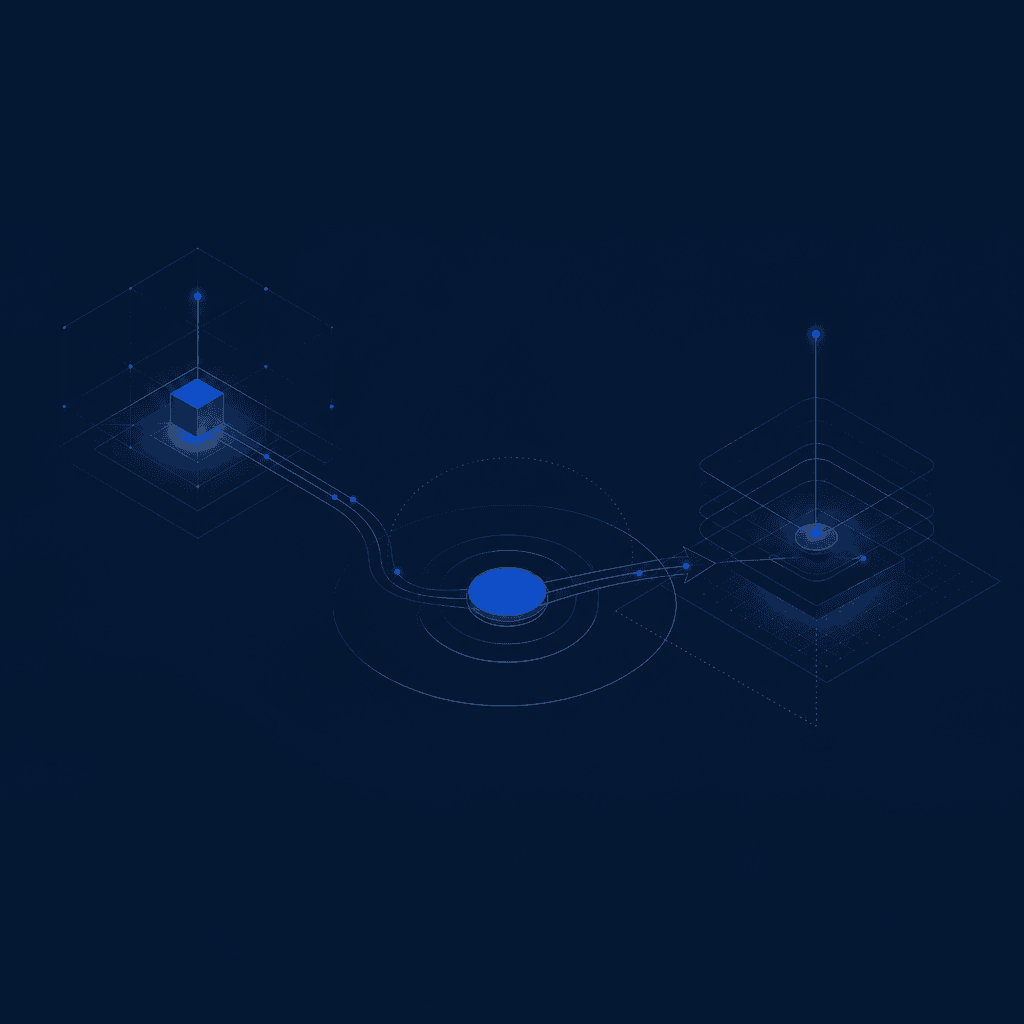
Click to call any contact or deal record without leaving HubSpot
A TwinsAI call button appears natively inside every HubSpot contact and deal record. One click dials the number. Reps never copy a phone number into a softphone or leave their CRM. This is purpose-built for one-off calls, inbound follow-ups, and warm outreach where context from the record matters before the conversation even starts.
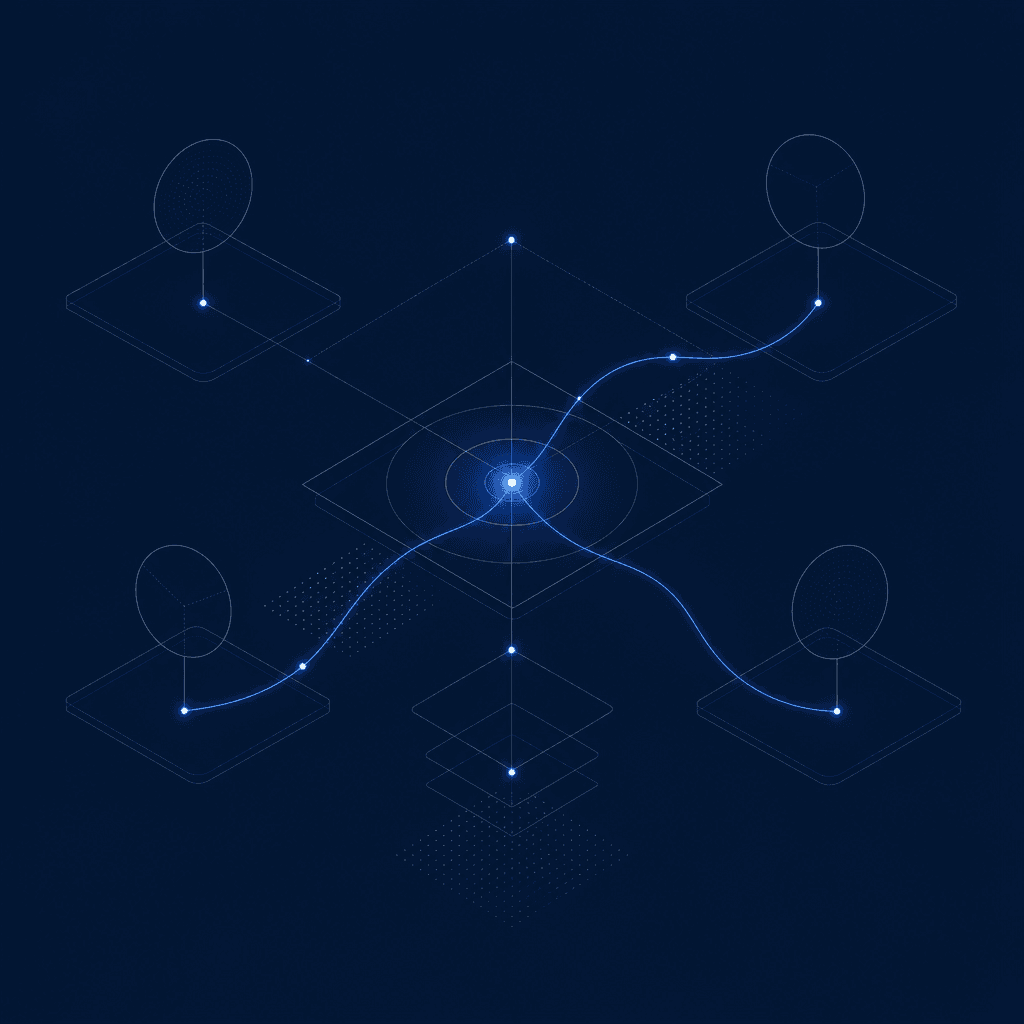
Every call writes back as a native HubSpot Call engagement automatically
When the call ends, TwinsAI writes a structured Call engagement directly to the contact and any associated deal: call disposition, a recording URL, an AI-written summary of what was discussed, next steps, and an auto-assigned follow-up Task for the rep. Nothing lives outside HubSpot. Your pipeline data stays clean and complete without anyone touching it. Learn how HubSpot call logging automation works.
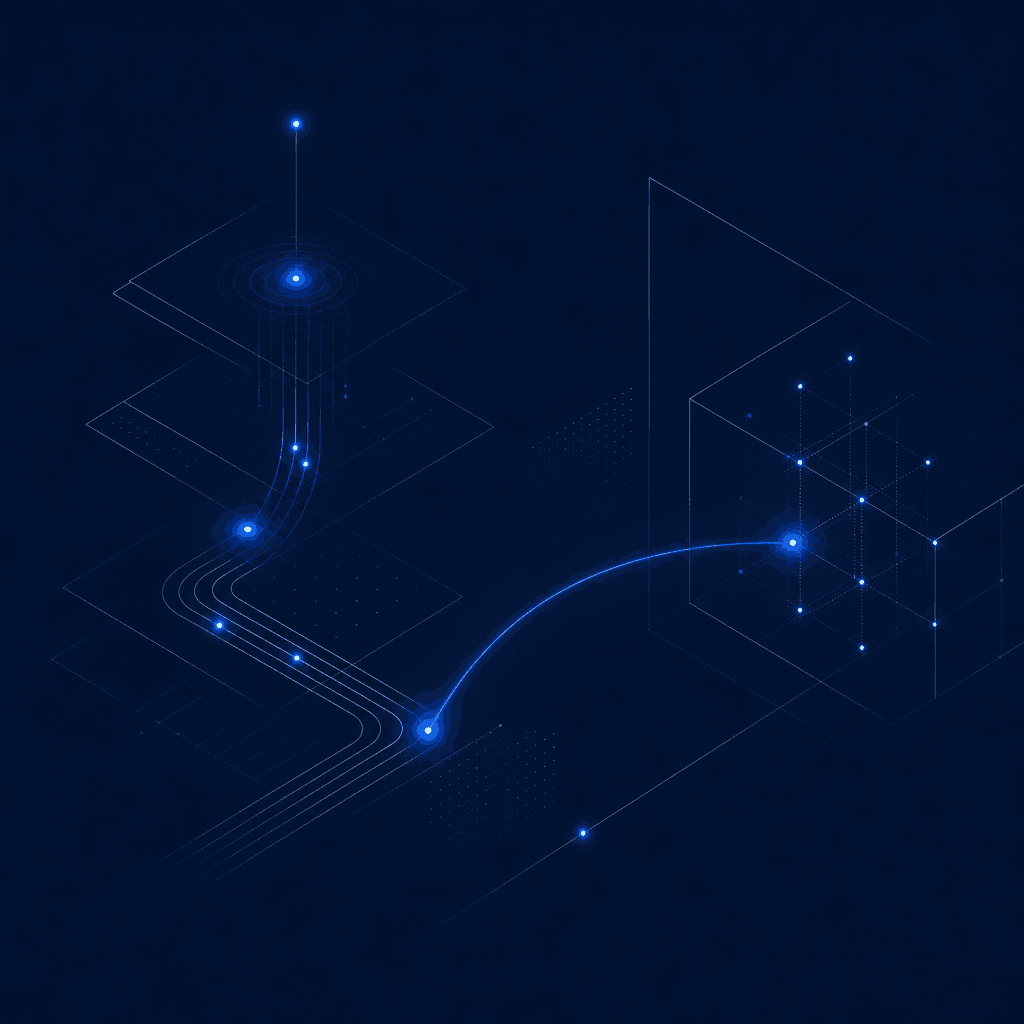
Call outcomes trigger HubSpot Workflows and enroll contacts into Sequences
Because TwinsAI writes native Call engagements, every call outcome can immediately fire a HubSpot Workflow. Connected demo? Enroll the contact into a closing Sequence. No answer? Trigger an automated follow-up cadence. The entire post-call motion runs hands-free based on disposition, without ops building workarounds. For a deeper look at AI-powered outreach, see the AI SDR for HubSpot teams guide.
Two-way real-time sync keeps contacts, deals, and custom properties in lock-step
TwinsAI does not batch-sync on a schedule. Contact updates, deal stage changes, and custom property values flow between TwinsAI and HubSpot in real time, in both directions. Reps always call with the freshest context, and managers always see accurate pipeline data. No stale records, no duplicate contacts, no sync lag.
AI voice agents can hold inbound conversations and book meetings straight into the pipeline
When a rep is unavailable, TwinsAI AI voice agents can answer an inbound call, qualify the contact, and book a meeting directly into the pipeline without a human in the loop. The booked meeting and a full conversation summary write back to the HubSpot record as native engagements, exactly like a rep-dialed call. Learn more about AI voice agents.
Running high-volume outbound? The parallel dialer dials up to 32 lines at once
Click-to-call is optimized for one-off and inbound follow-up calls where context matters. For SDR teams running sequenced outbound at scale, TwinsAI's parallel dialer dials any HubSpot Dynamic or Static List with up to 32 concurrent lines, ringless voicemail drop, and DNC plus duplicate scrubbing. Full details in the HubSpot parallel dialer guide. Or explore the AI dialer.
Frequently asked questions
How do I click to call HubSpot contacts and log the call automatically?+
Install TwinsAI from the HubSpot App Marketplace using one-click OAuth (takes about a minute). Once connected, a TwinsAI call button appears on every HubSpot contact and deal record. Click it to dial. When the call ends, TwinsAI automatically writes a native HubSpot Call engagement to the record that includes the call disposition, a recording URL, an AI-written summary, and an auto-assigned follow-up Task. No manual logging, no tab-switching, no copy-pasting.
Does TwinsAI click-to-call work with HubSpot Workflows and Sequences?+
Yes. Because TwinsAI writes every call as a native HubSpot Call engagement, any call outcome can immediately trigger a HubSpot Workflow or enroll the contact into a Sequence. For example, a disposition of 'Connected, Interested' can automatically start a closing Sequence, while 'No Answer' can trigger a follow-up cadence, all without rep intervention.
What is the difference between click-to-call and the TwinsAI parallel dialer for HubSpot?+
Click-to-call is designed for one-off calls and inbound follow-ups where a rep wants to call a specific contact directly from their HubSpot record with full context in view. The TwinsAI parallel dialer is built for high-volume outbound prospecting: it dials any HubSpot Dynamic or Static List with up to 32 concurrent lines, drops ringless voicemails automatically, and scrubs DNC and duplicate contacts. If your team does structured sequenced outbound, see the HubSpot parallel dialer guide.
Is TwinsAI an officially supported HubSpot integration?+
TwinsAI installs directly from the HubSpot App Marketplace via standard OAuth, which means it uses HubSpot's official API and native engagement objects. Calls, tasks, and contact data all live inside HubSpot as first-class records, not in a third-party data silo. You can see the full HubSpot integration details.
What does the AI call summary include and where does it appear in HubSpot?+
After every call, TwinsAI's AI generates a structured summary that captures what was discussed, any objections raised, agreed next steps, and the call outcome. That summary is written directly into the body of the native HubSpot Call engagement on the contact and associated deal record. It also drives the auto-assigned follow-up Task so the next action is already waiting for the rep in HubSpot.
Start Calling HubSpot Contacts in One Click Today
Connect TwinsAI to HubSpot in about a minute and let every call log itself. Book a demo to see click-to-call, auto-logging, and AI summaries live on your own HubSpot records. Or explore the [complete HubSpot integration](/integrations/hubspot).